Why Web Accessibility Matters
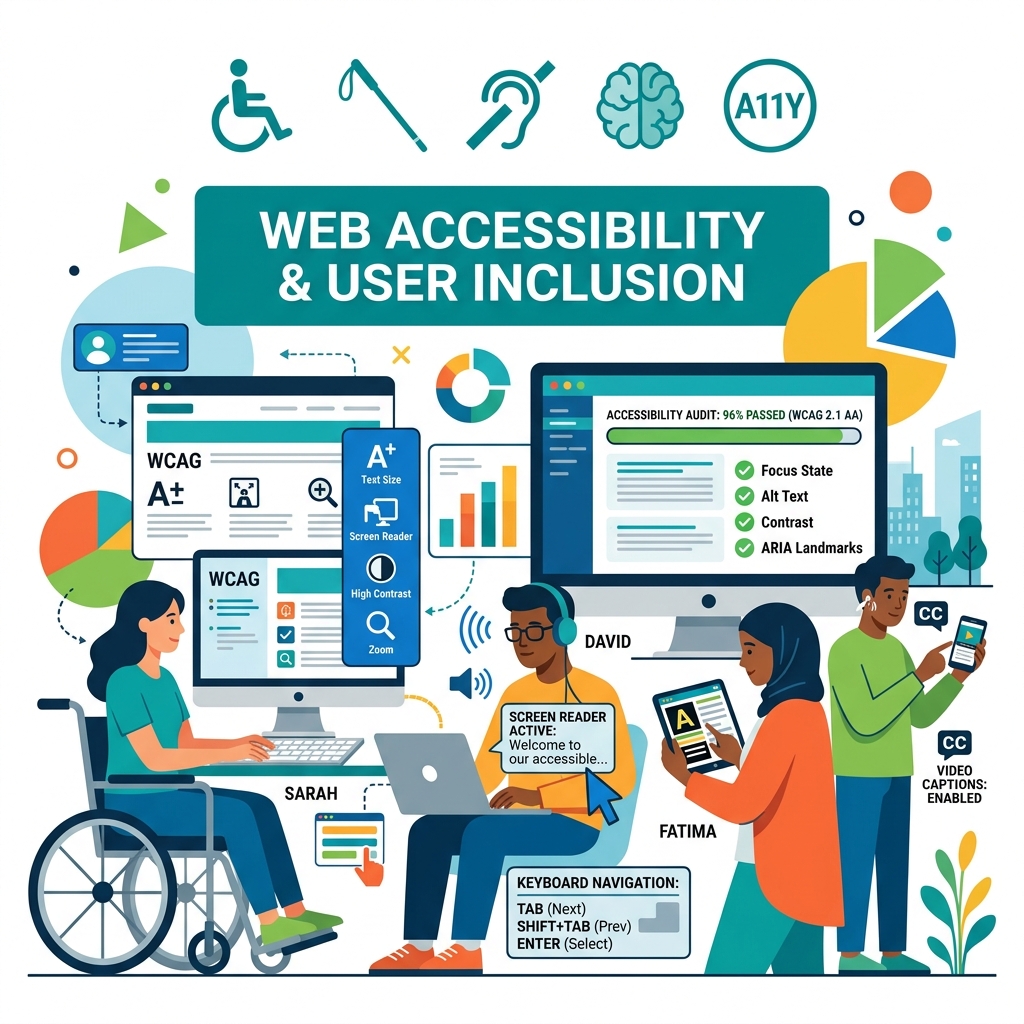
Web accessibility (often referred to as a11y) is the practice of designing and building digital interfaces that can be used by everyone—including people with visual, auditory, motor, or cognitive impairments. Despite being a critical pillar of modern web engineering, web accessibility is too often treated as an afterthought or a checkbox compliance task.
In reality, accessibility is a core indicator of engineering quality. Accessible code is semantic, cleaner, search-engine friendly, and provides a superior user experience for everyone.
Understanding WCAG Core Principles
The Web Content Accessibility Guidelines (WCAG) are organized under four core principles, known as POUR:
- Perceivable: Users must be able to comprehend the information presented. This means providing text alternatives (alt text) for images, captions for video, and sufficient color contrast between text and background.
- Operable: The interface must be navigable. Users must be able to interact with all interactive controls (buttons, forms, links) using a keyboard, speech input, or assistive devices.
- Understandable: Information and interface behavior must be readable and predictable. Navigation structures should remain consistent, and forms must provide helpful validation cues.
- Robust: Content must be compatible with current and future assistive technologies, such as screen readers and browser plugins.
Implementing Accessibility at the Code Level
Creating an accessible web application starts with semantic engineering decisions:
1. Always Use Semantic HTML
Before reaching for ARIA attributes, leverage standard HTML5 semantic tags. Browsers natively map tags like <button>, <nav>, <main>, <header>, and <aside> to accessibility roles.
Using <div onclick="..."> instead of <button> breaks keyboard navigation because divs are not focusable by default and do not respond to spacebar or enter key events.
2. Ensure Keyboard Accessibility
Every interactive control must be reachable and triggerable using keyboard navigation. Ensure a clear focus indicator is visible:
/* Avoid outline: none unless you replace it with equivalent styling */
a:focus, button:focus {
    outline: 2px solid #f56a6a;
    outline-offset: 4px;
}
Use tabindex="0" only to insert custom elements into standard flow, and avoid positive values (tabindex="1") as they disrupt the logical screen reading order.
3. Use ARIA Responsibly
Accessible Rich Internet Applications (ARIA) attributes supplement HTML when native semantics are insufficient. However, the first rule of ARIA is: Don’t use ARIA if a native tag exists.
When ARIA is required, ensure dynamic components toggle state correctly (e.g., setting aria-expanded="true" or aria-expanded="false" on menu drawers).
By prioritizing accessibility during product design and code reviews, teams build resilient, search-engine optimized, and highly usable web experiences.